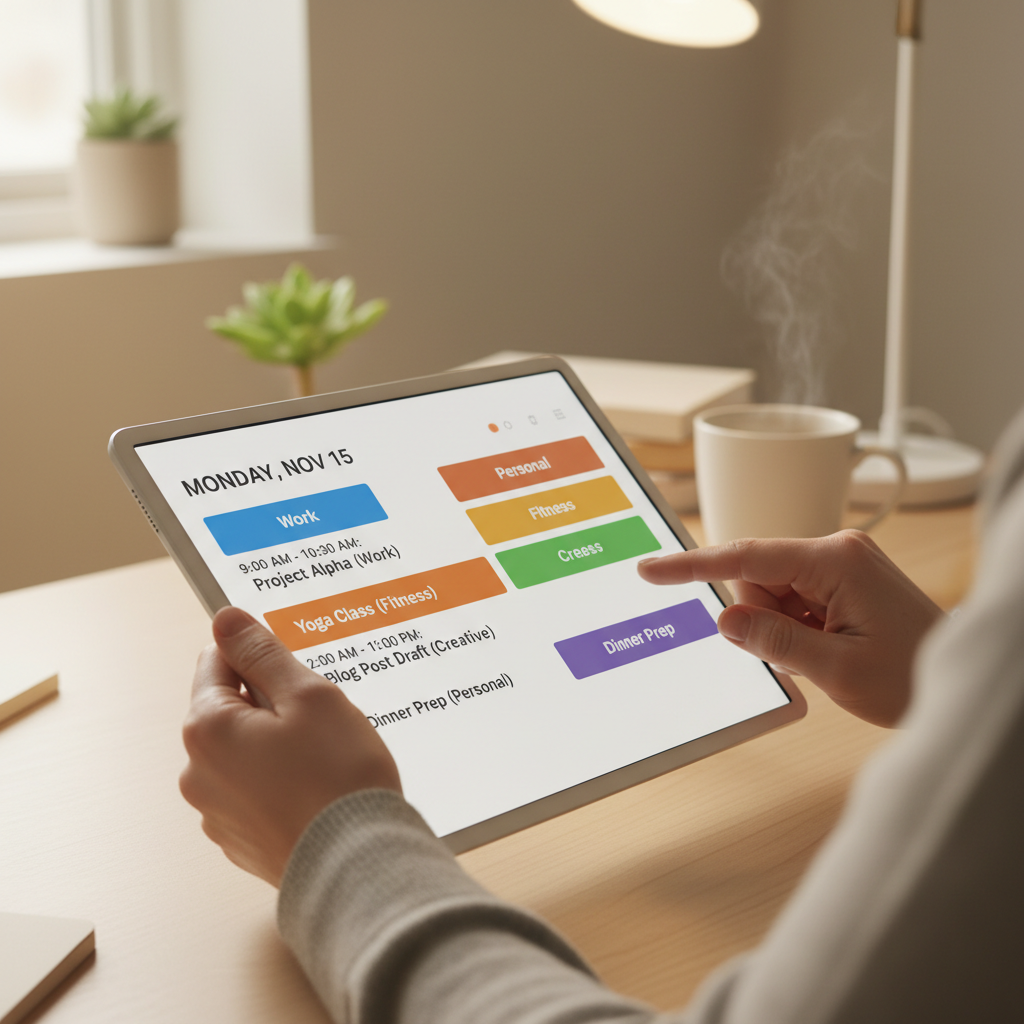
You can start using a digital planner for beginners by selecting accessible software like Google Slides or an iPad app and keeping your initial setup simple to avoid overwhelm. To ensure you stick with the habit, pair your planning time with a daily ritual like drinking coffee and choose a flexible layout that adapts to your needs.
Staring at a blank screen or a stack of half-used paper journals often creates a sense of organizational fatigue. You want the streamlined efficiency of a digital system, yet the initial setup feels like another chore on an already crowded to-do list. Transitioning to a digital planner is not merely a change in medium; it is a strategic shift toward a more intentional, clutter-free life. In this comprehensive guide, we will bridge the gap between curiosity and consistent execution. You will discover the essential tools needed for a professional setup, the mechanics of using planner PDFs, and the exact reasons why most beginners fail. We will also explore the transformative 8-minute daily method and specific strategies for ADHD focus, ensuring your new system remains sustainable, sophisticated, and perfectly tailored to your unique rhythm.
What is Digital Planning and Why Make the Switch
Digital planning transforms the traditional pen and paper experience into a dynamic, electronic format. At its core, a digital planner is a specialized PDF document equipped with interactive hyperlinks. These links function like a website navigation menu, allowing you to jump between months, weeks, and custom templates with a single tap. When you import this file into a note taking app on a tablet, your device becomes an infinite notebook that responds to a stylus just like real paper.
Transitioning from paper to digital offers several practical advantages. Portability is the most immediate benefit; you can carry years of archives, project notes, and business templates in a device thinner than a standard magazine. Unlike physical journals where mistakes require messy correction tape, digital platforms allow you to erase, move, or resize text instantly. You also gain access to unlimited digital stickers and decorative elements without the physical clutter of a stationery drawer.
Houston based about EASYWAVE CREATIONS focuses on bridging the gap between creativity and organization through high quality digital PDF products. These ready to use downloads are designed to be intuitive, ensuring that a digital planner for beginners feels functional from the very first tap. By prioritizing clean, aesthetic layouts that are easy to navigate, the goal is to provide a tool that serves your day rather than becoming another task on your to do list.
Essential Tools for Your First Digital Planner Setup
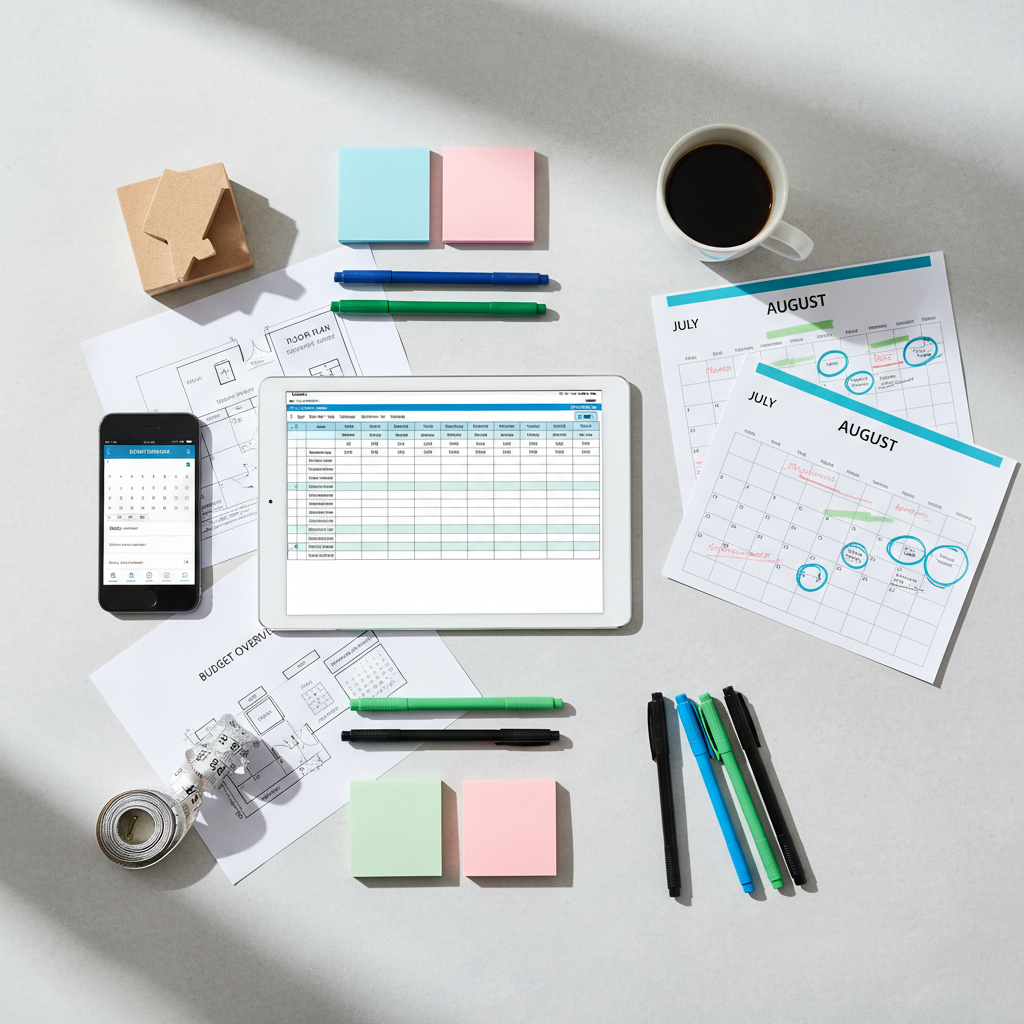
Building a digital workspace does not require a massive investment in tech. The most effective setup starts with two core components: a tablet and a stylus. For many, an iPad paired with an Apple Pencil is the gold standard due to its precision and the variety of specialized apps available. However, Android tablets, particularly those with dedicated stylus support, offer a powerful and often more customizable alternative. The primary goal is to have a responsive surface that captures your handwriting without lag, providing the tactile feedback necessary for a natural writing experience.
On the software side, you need a PDF annotation app to bring your digital PDF products to life. For iPad users, GoodNotes and Notability are the most reliable choices; they offer seamless cloud syncing and intuitive tools for organizing multiple business templates. Android and Windows users often find Xodo to be a robust option that handles large, hyperlinked files with ease. These apps function as the engine for your planner, allowing you to write directly on the pages, move text around, and utilize the navigation links built into the PDF.
It is easy to get caught up in the search for perfect gear, but excessive research can quickly become a form of procrastination. Feedback from long term users suggests that planners stick when the system is easy to access. You do not need specialized design programs or a high end desktop to succeed. One device and one app are all you need to launch your digital planner for beginners experience. By keeping your toolkit lean, you ensure that your focus remains on productivity rather than troubleshooting technology. This streamlined approach is a core philosophy at about EASYWAVE CREATIONS, where the focus is on providing tools that simplify your daily routine rather than adding technical hurdles.
How to Start Using a Digital Planner PDF
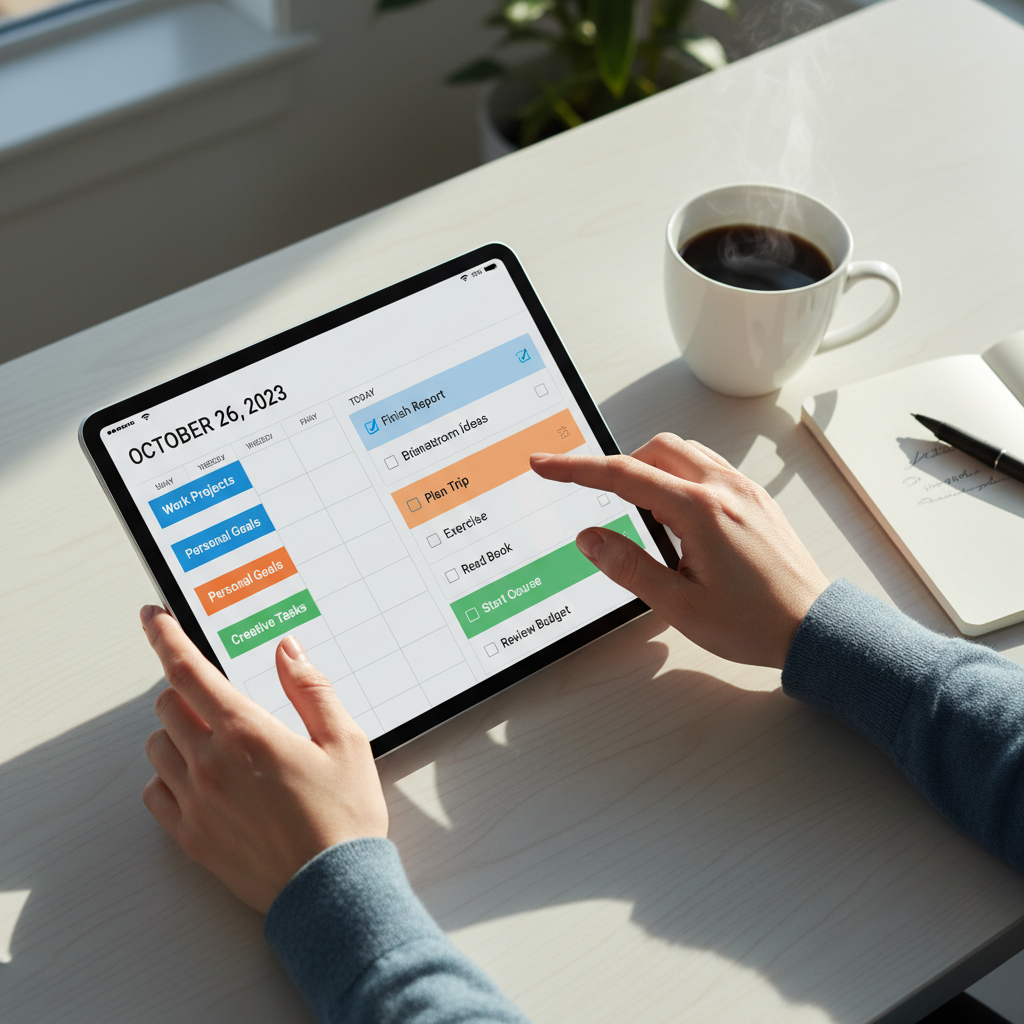
Once you have your tablet and app ready, the next step is moving your file into your digital workspace. Most digital PDF products from EASYWAVE CREATIONS are delivered as a direct download. First, save your file to a cloud service such as iCloud, Google Drive, or Dropbox. Inside your annotation app, select the import or plus icon and locate the file in your cloud storage. This method ensures your planner is backed up and synchronized across all your devices.
Understanding the interface is the most critical part of a digital planner for beginners how to start pdf journey. The most common point of confusion involves navigation. In apps like GoodNotes, you must toggle between Read Only and Editing modes. When the editing toolbar is active, you can write and highlight, but the interactive hyperlinks will be disabled. To use the tabs and jump between sections, you must tap the pen icon to enter Read Only mode. Mastering this toggle is the key to seamless navigation.
To keep your workspace efficient, organize your business templates and planners into specific folders within the app. Use clear naming conventions such as 2024 Financial Planner or Daily Journal. This structured approach, a core recommendation from about EASYWAVE CREATIONS, prevents your files from becoming lost in a cluttered digital library and ensures your tools are always ready when you need them.
The Secret to Consistency: Why Most People Quit
Once you have mastered the technical aspect of importing your file, the challenge shifts from operation to consistency. Many users abandon their digital planner for beginners within the first month because they approach the page with a perfectionist mindset. Practical feedback from long term planning communities suggests that rigidity is the primary reason for failure. If a system requires an hour of decorating before you can record a single appointment, it becomes a burden rather than a utility.
The goal of using digital PDF products is to create a tool that serves your day, not a masterpiece that demands your time. Beginners often fall into the trap of blank page syndrome, where the vast possibilities of a new planner lead to paralysis. To combat this, prioritize a functional layout over a decorative one. You do not need to master digital stickers or complex color coding to be organized. The most successful users are those who treat their planner as a workspace rather than a scrapbooking project.
Start with the Rule of Three. Instead of listing twenty items you likely will not finish, commit to writing down just three essential tasks each morning. This low barrier to entry builds the neurological habit of checking the planner without the stress of an overwhelming, unfinished list. At about EASYWAVE CREATIONS, we design business templates and planners with clean lines to reduce visual noise, allowing you to focus on these core priorities. By stripping away the pressure of a perfect aesthetic, you transform the planner into a reliable partner for your daily routine in Houston or wherever your office may be.
Mastering the 8 Minute Daily Planning Method
Building a sustainable habit requires a strategy that fits into a busy morning rather than consuming it. The 8 Minute Daily Planning Method is a proven framework that removes the friction often associated with a new digital planner for beginners. By dedicating less than ten minutes each day, you ensure your business templates remain functional tools rather than empty files.
The process follows a strict timeline to prevent overthinking:
Five Minutes for Reflection and Listing: Review yesterday’s completed items and transfer any unfinished tasks. List every commitment for the current day without worrying about order.
One Minute for Prioritization: Identify the most critical items that must be completed to feel successful.
Two Minutes for Scheduling: Assign these priorities to specific time blocks within your layout.
This rapid approach prevents the planning stage from becoming a form of procrastination. At about EASYWAVE CREATIONS, we design digital PDF products with clear structures to support this high efficiency workflow. This method transforms your tablet from a potential distraction into a precise roadmap for your Houston workday, ensuring your goals stay in focus without a massive time investment.
Digital Planning for ADHD: A Game Changer for Focus
The 8 minute method provides the necessary constraints, but for those managing ADHD, the medium itself is the real breakthrough. Conventional paper systems often fail neurodivergent users because physical clutter creates a sensory hurdle that prevents focus. A digital planner for beginners eliminates this by providing a high contrast, visual structure that remains organized no matter how many times a schedule changes.
Two specific features are non negotiable for maintaining focus: searchability and task flexibility. The search function allows you to find specific notes or appointments instantly, bypassing the frustration of flipping through hundreds of pages to locate a single piece of information. Furthermore, the ability to lasso and move tasks around the page means that a change in plans does not result in a messy, discouraging page of crossed out lines. You can simply shift your priorities to a new time slot, keeping the layout clean and readable.
about EASYWAVE CREATIONS develops digital PDF products with this need for clarity in mind. By offering distraction free business templates, the designs prevent the visual overstimulation that often leads to procrastination. This streamlined environment acts as an external brain, holding your commitments in a stable, searchable format that supports executive function rather than taxing it.
Daily Habits to Help You Stay Consistent

Consistency is rarely a matter of willpower; it is a result of environment and triggers. To ensure a digital planner for beginners becomes a permanent part of your routine, utilize the concept of habit stacking. This method involves tethering your planning session to a pre-existing daily action. For example, make it a rule to open your digital PDF products the moment you sit down with your morning coffee or as soon as you settle into your Houston home office desk. By linking the tablet to these physical cues, your brain begins to recognize the device as a dedicated workspace rather than a distraction.
Establishing a closing ritual is equally vital for long term success. Set a recurring phone notification for 4:00 PM with the prompt "Check Planner." This alert serves as a necessary guardrail to wrap up lingering tasks and clear your mental load before the evening. Use this time to update your business templates, checking off completed goals and migrating unfinished items to the next day.
For this system to function, the planner must serve as your absolute source of truth. If a commitment is not recorded in the file, it does not exist. Relying on memory or scattered physical notes creates the exact mental friction that leads to system abandonment. about EASYWAVE CREATIONS emphasizes this singular focus; when every deadline lives in one searchable digital file, you eliminate the anxiety of fragmented information and transform your planner into a truly reliable daily companion.
Customizing Your Experience Without Overwhelming Your Schedule
Customization should enhance your workflow, not replace it. To maintain long term efficiency, follow the 90/10 rule: allocate 90 percent of your session to actual task management and only 10 percent to visual elements. Digital stickers and pre-designed layouts are excellent for highlighting priorities; however, they should never become a time consuming chore. By using the professionally illustrated elements and business templates available from about EASYWAVE CREATIONS, you can skip the tedious design phase. These digital PDF products provide a high end aesthetic immediately. This streamlined approach ensures your digital planner for beginners remains a productivity engine that looks polished without requiring hours of manual decoration at your desk.